
關於 HIGO
User Guide
操作指南


Mobility Device
智慧城市的移動新選擇
採用高效鋰電池,續航力強,零油耗、零排放。 |
人體工學設計,輕鬆上手,適合各年齡層使用。 |
具備煞車系統、夜間照明、反光裝置與防滑踏板。 |
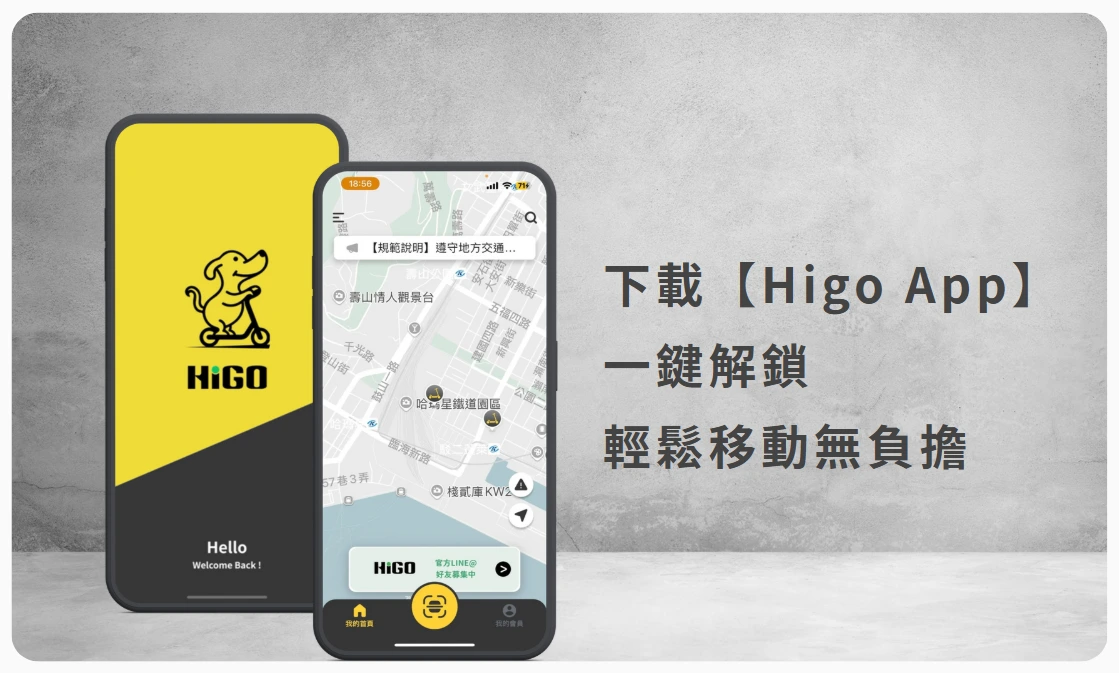
透過 App 進行開鎖、定位與用車紀錄管理。 |
低噪音、不佔空間,是都市綠色交通的最佳夥伴。 |
 適用年齡14歲以上。 適用年齡14歲以上。 |
 |
 車輛使用方始 |Vehicle Use 車輛使用方始 |Vehicle Use |
Step.1 握著手把保持平衡 Hold the handlebars and keep your balance. |
Step.2 踩著車輛,並握著手把往前推 Step on the vehicle and push forward by holding the handle |
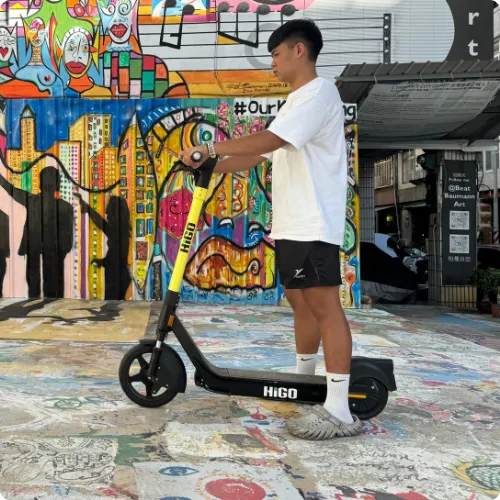

 Step.3 小腿往後踢,讓車輛滑動 Kick your calves back to let the vehicle slide let the vehicle slide |
Step.4 輕按壓【電門按鍵】,成功加速囉 !! Lightly press the 【Power button】,Successfully accelerated |
|
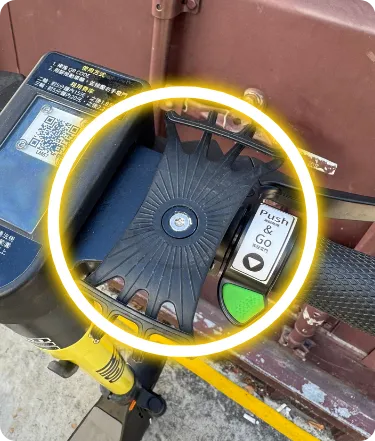 Step.1 先確認手機架無斷裂毀損 First make sure the phone holder is not broken or damaged. | 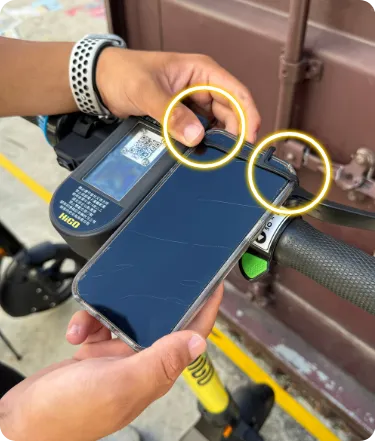 Step.2 先把手機上緣兩側套入 First insert the upper edge of the phone on both sides. | 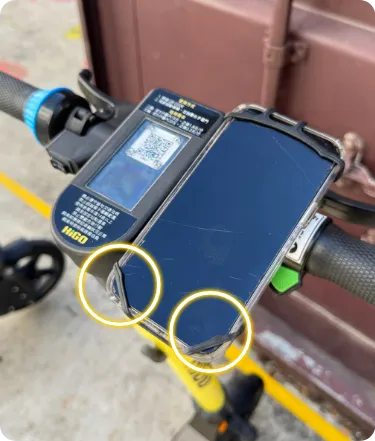 Step.3 再將手機下緣兩側套入 Then insert the lower edge of the phone on both sides. |
 硬式手機架 | Hard phone holder 硬式手機架 | Hard phone holder | ||
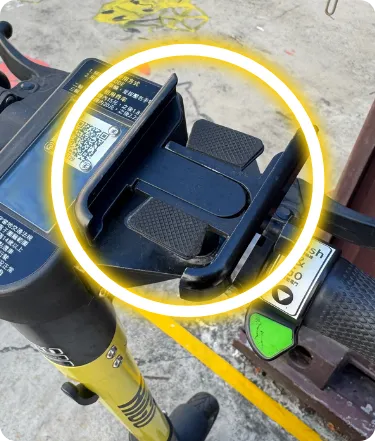 Step.1 先確認手機架無斷裂毀損 First make sure the phone holder is not broken or damaged. | 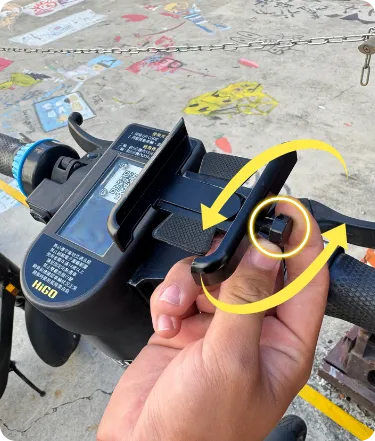 Step.2 將右側旋鈕轉動可調整大小 Turn the knob on the right to adjust the size. | 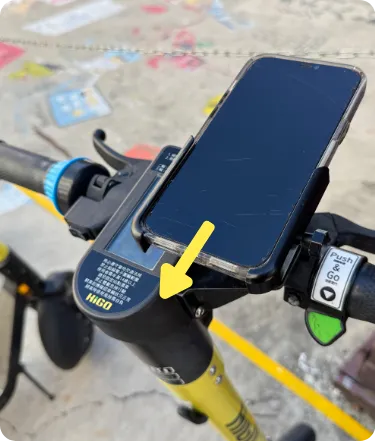 Step.3 調整到適當大小再把手機放入鎖緊 Adjust to the appropriate size and then put the phone in and lock it. |
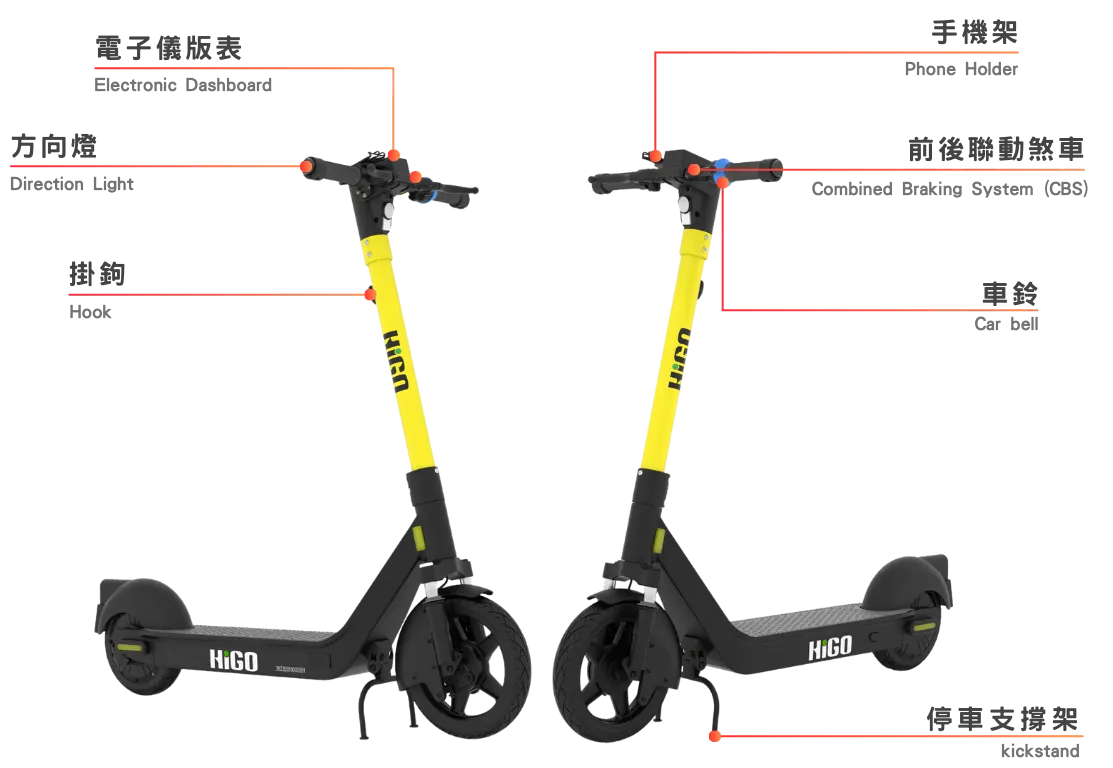
 車鈴 | Car bell 車鈴 | Car bell | |
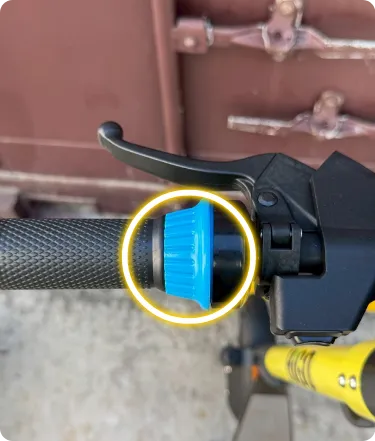 | 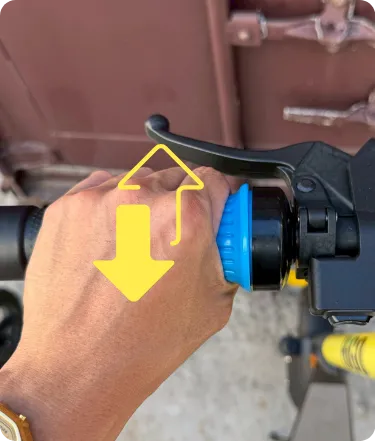 |
車把左側裝有警示鈴。使用時,請前後轉鈴鐺左側的握柄 There is a warning bell on the left side of the handlebar. To use it, turn the handle on the left side of the bell back and forth. | |
| 方向燈 | Direction Light) | |
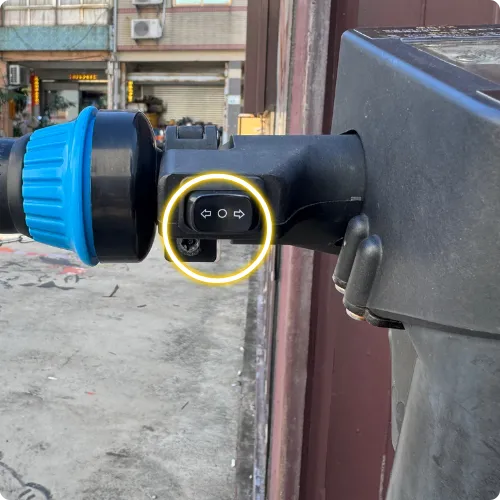 | 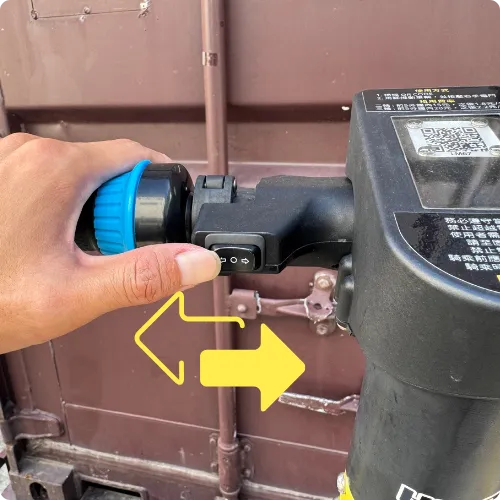 |
車把左側裝有方向燈。使用時,如機車相同左右切換 There is a turn signal light on the left side of the handlebar. When in use, switch left and right like a motorcycle | |
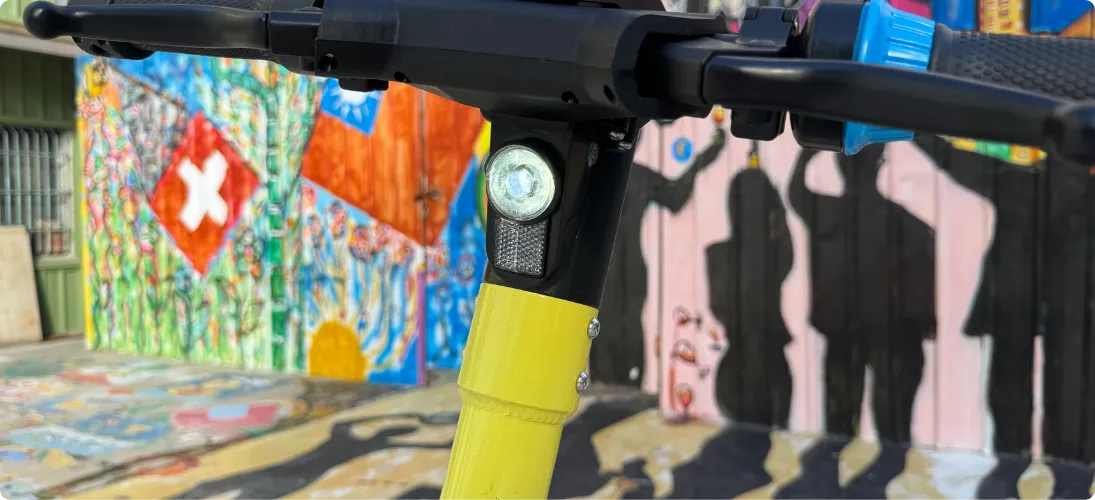
| 頭燈 | Headlight |
 |
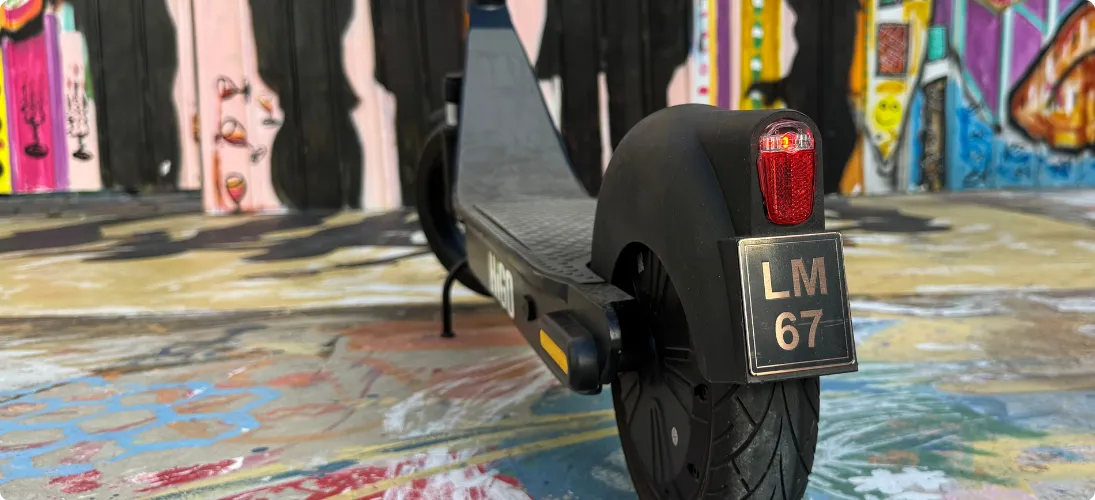
| 尾燈 |Tail light |
 |
| 掛勾 | Hook |
 |
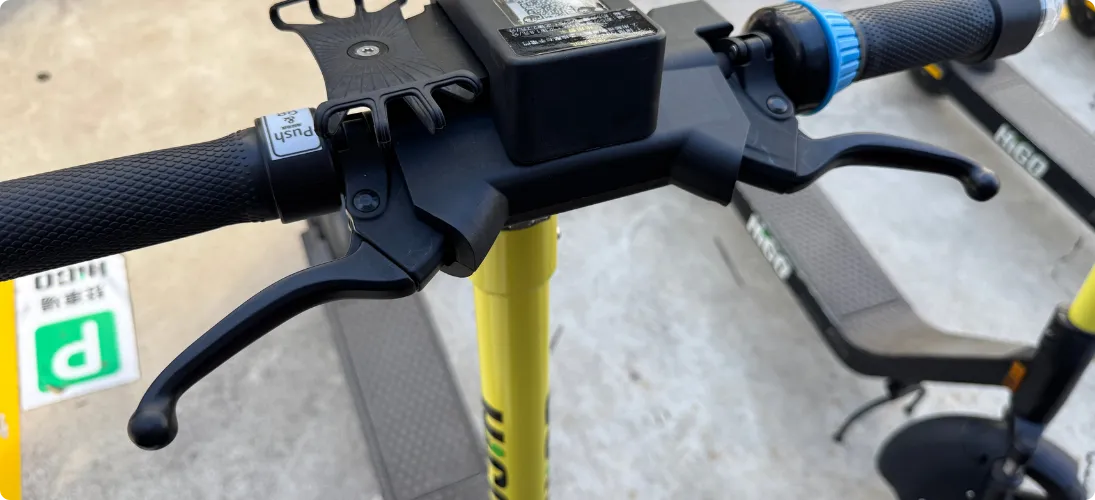
| 煞車 | Brake |
 |